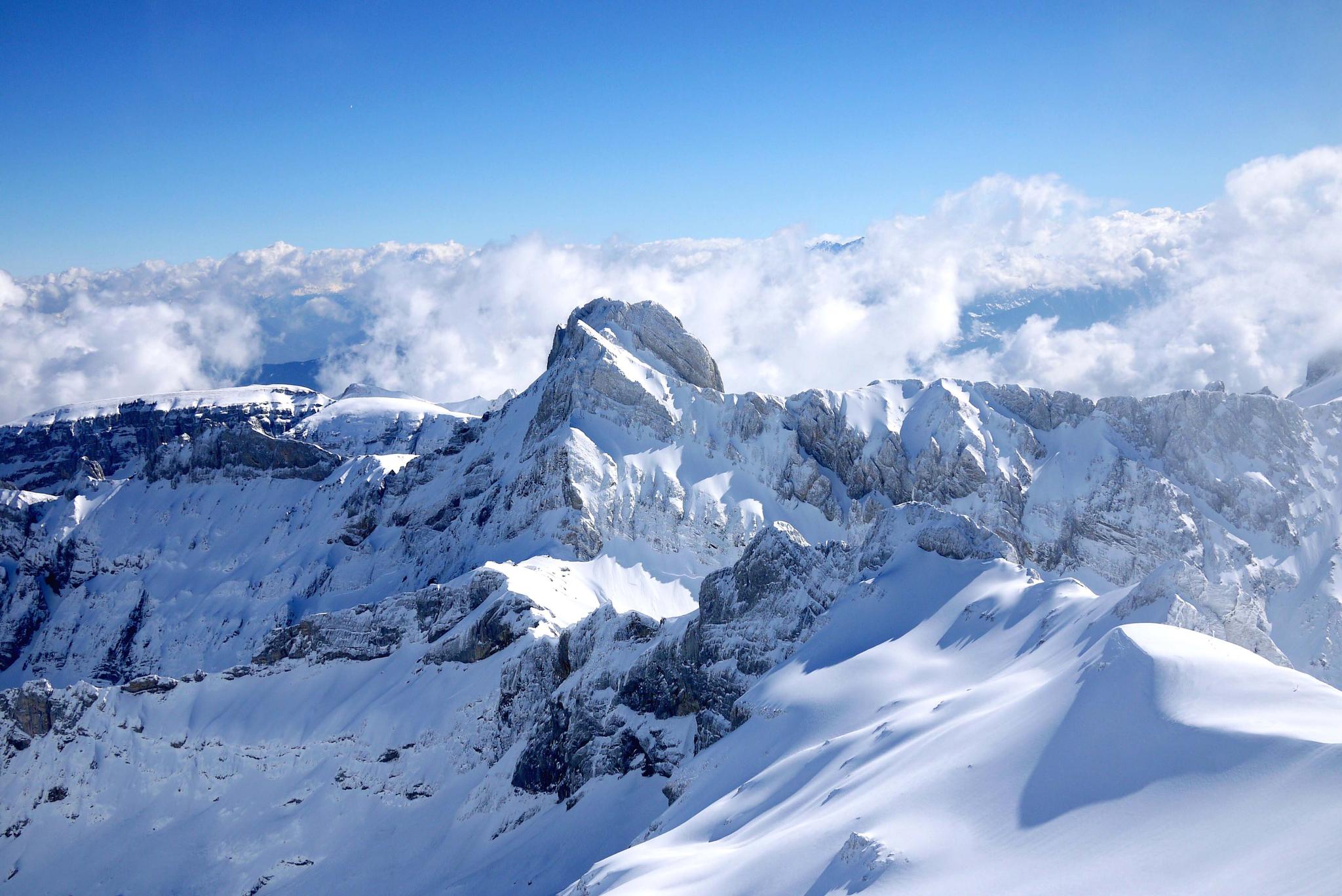
The Hero Section explains...
The Hero Section can contain the following text: Title and/or subtitle
The text can be displayed on the left, right or centred.
It is possible to limit the size of the hero section. The types are Small, Medium, Large (split screen), Large (full screen). The different options are shown below.
You can choose between image, video or iFrame.
At the very end, you can decide whether the image/video should have a clear cut to the next section or a fade out.
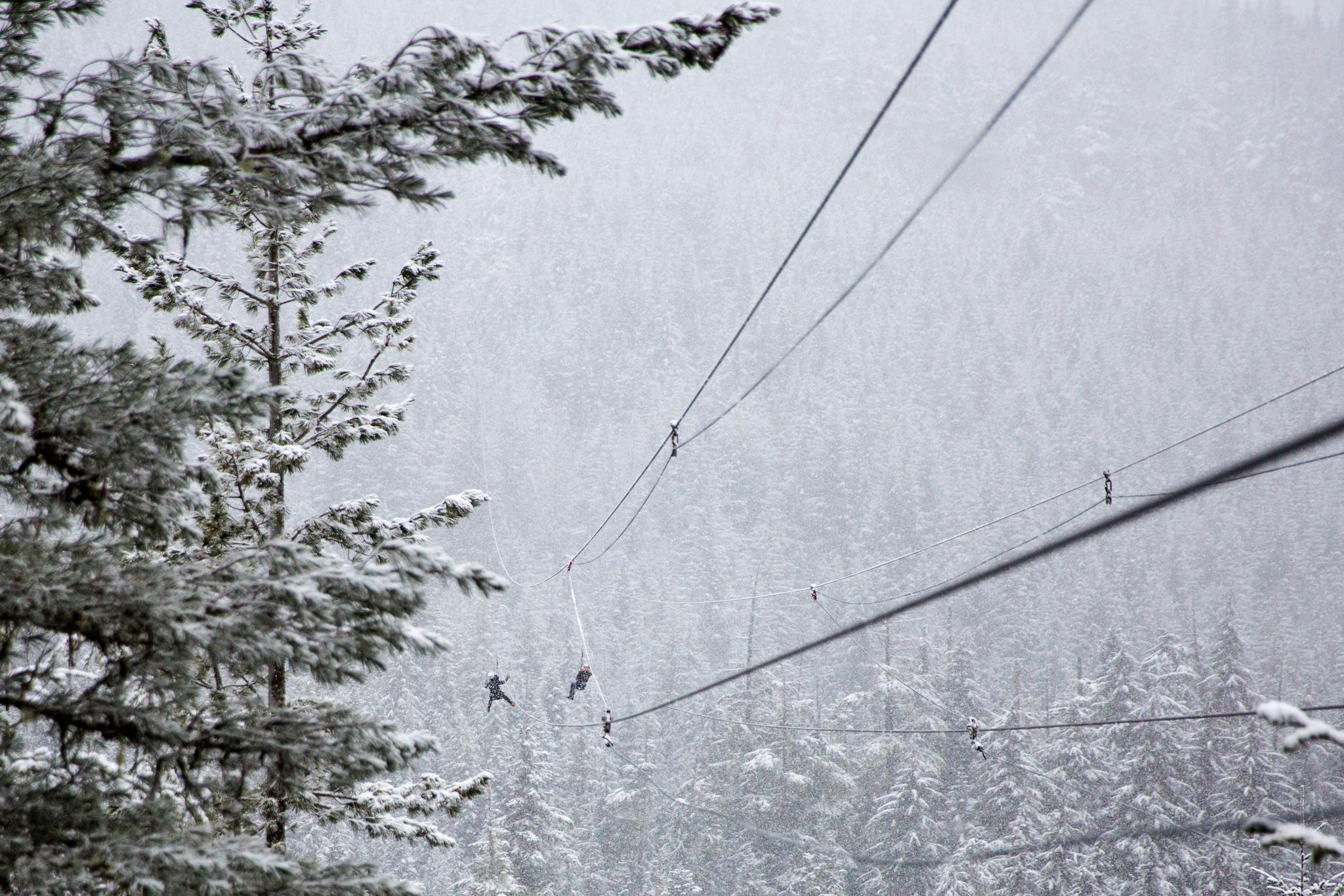
Medium - Text Right
short cut menu
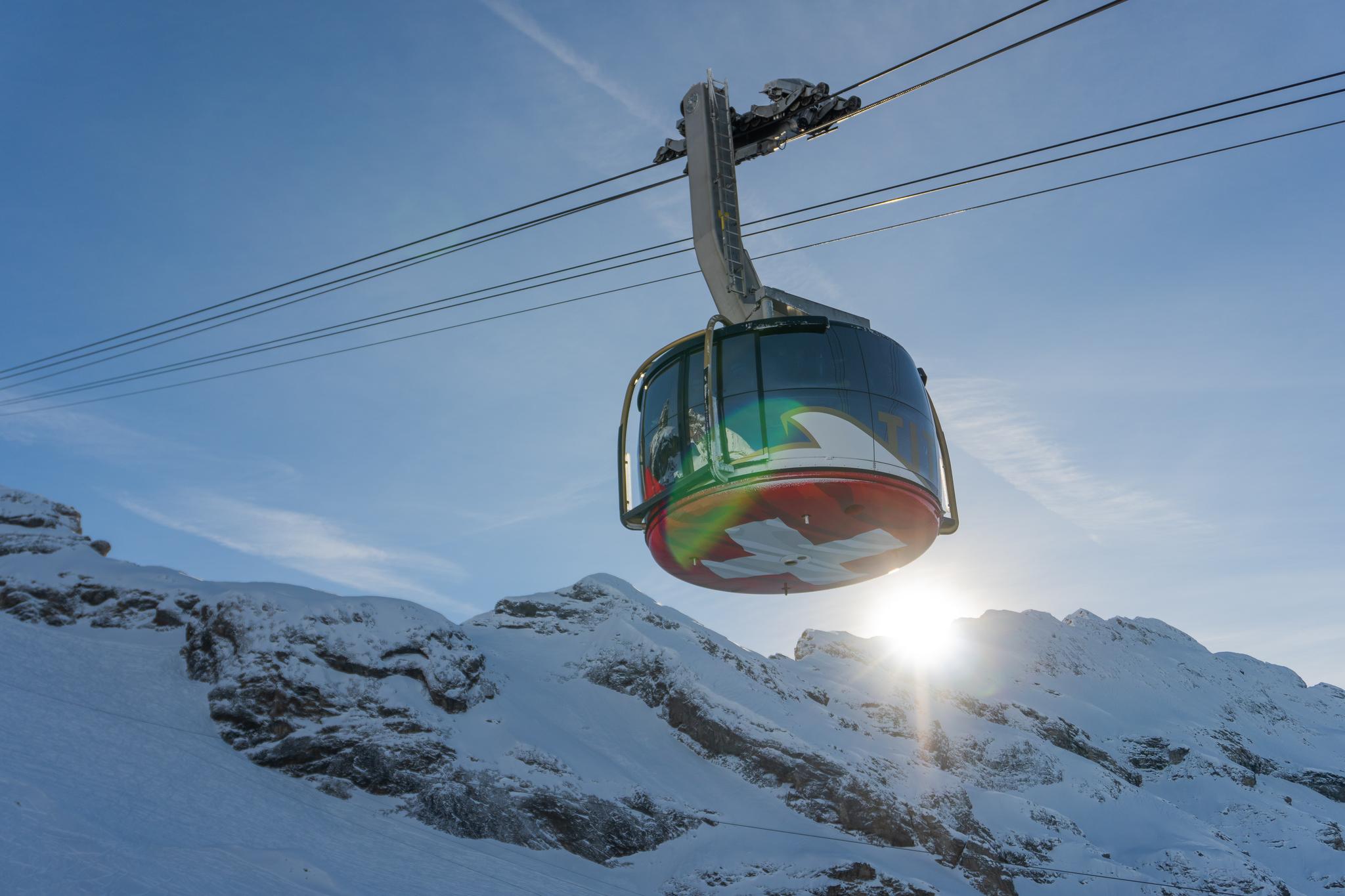
Hero Section - Medium
with fade and without short cut menu



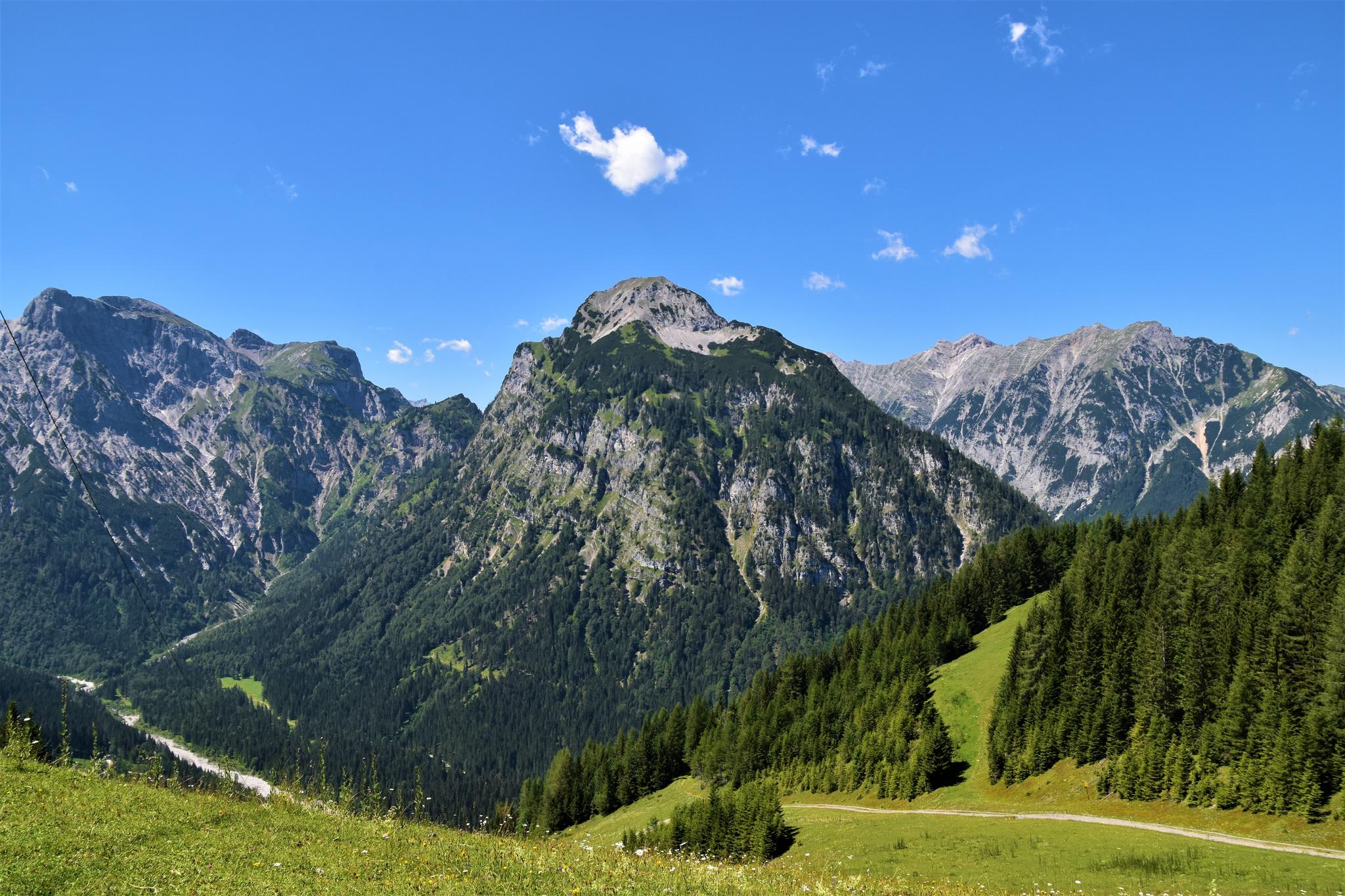
Step Section
Hero Section Medium with Fade / Actions: Short Cuts
Benefits Section
Hero Section with Split Screen Video / Actions > Shortcut vertical right
You've been hiking all day, had a delicious meal at the Schafberg Hüsli, your legs are tired and you don't really want to take the train down to the valley? Then the mountain cart is just the thing! Almost like a go-kart - only on 3 wheels and without a motor - you drive from the mountain station along the forest paths down to the valley. Safe driving fun is guaranteed. Take your time - time to drive!
Book

Row Section
Hero Section with Actions > Short Cut displayed as buttons
Image Section
Hero Section Large Split Screen with Image
Title, subtitle and description. Text orientation: Left Medium banner enabled. Background and border color different. Border style: Dashed without icon
Book now
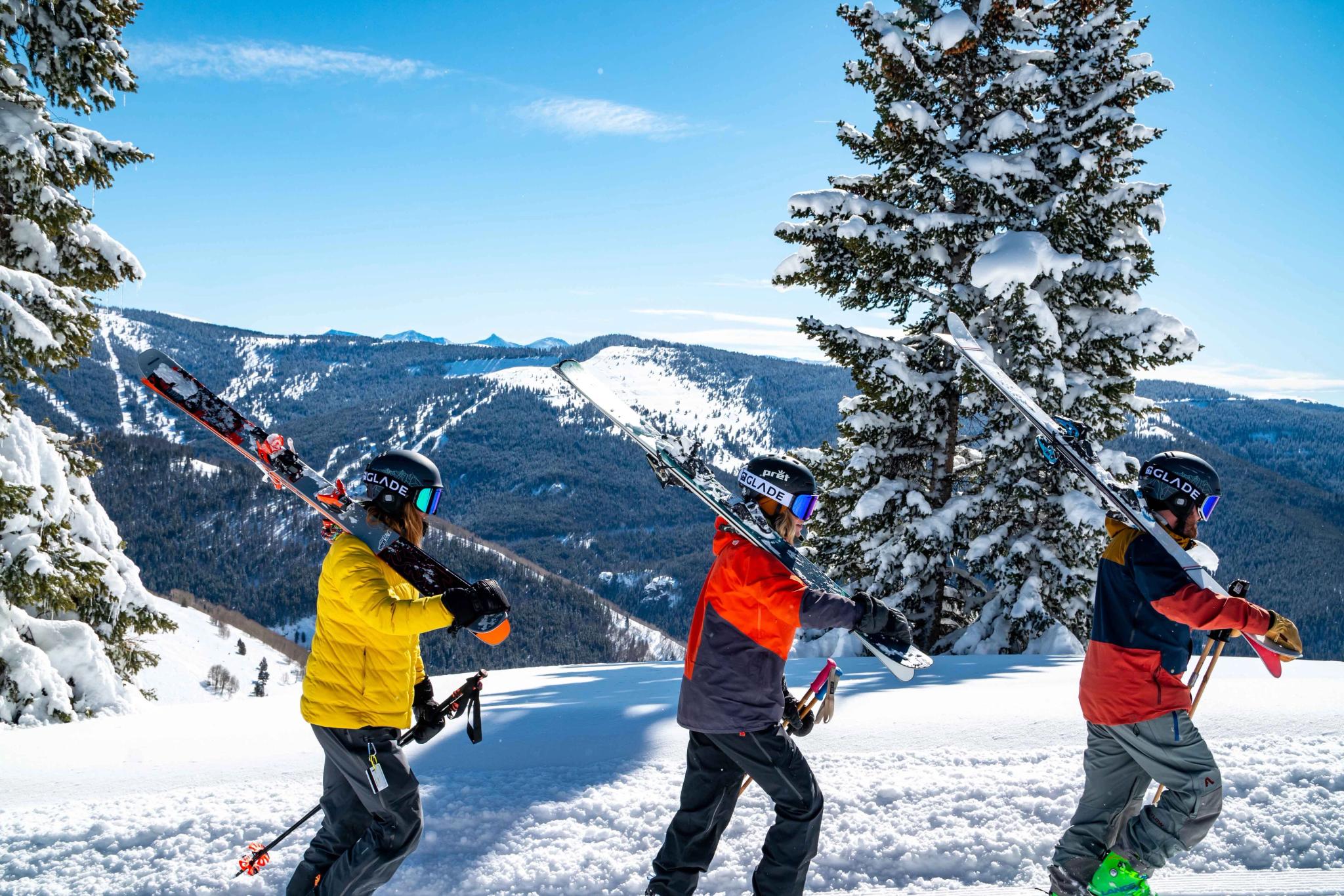
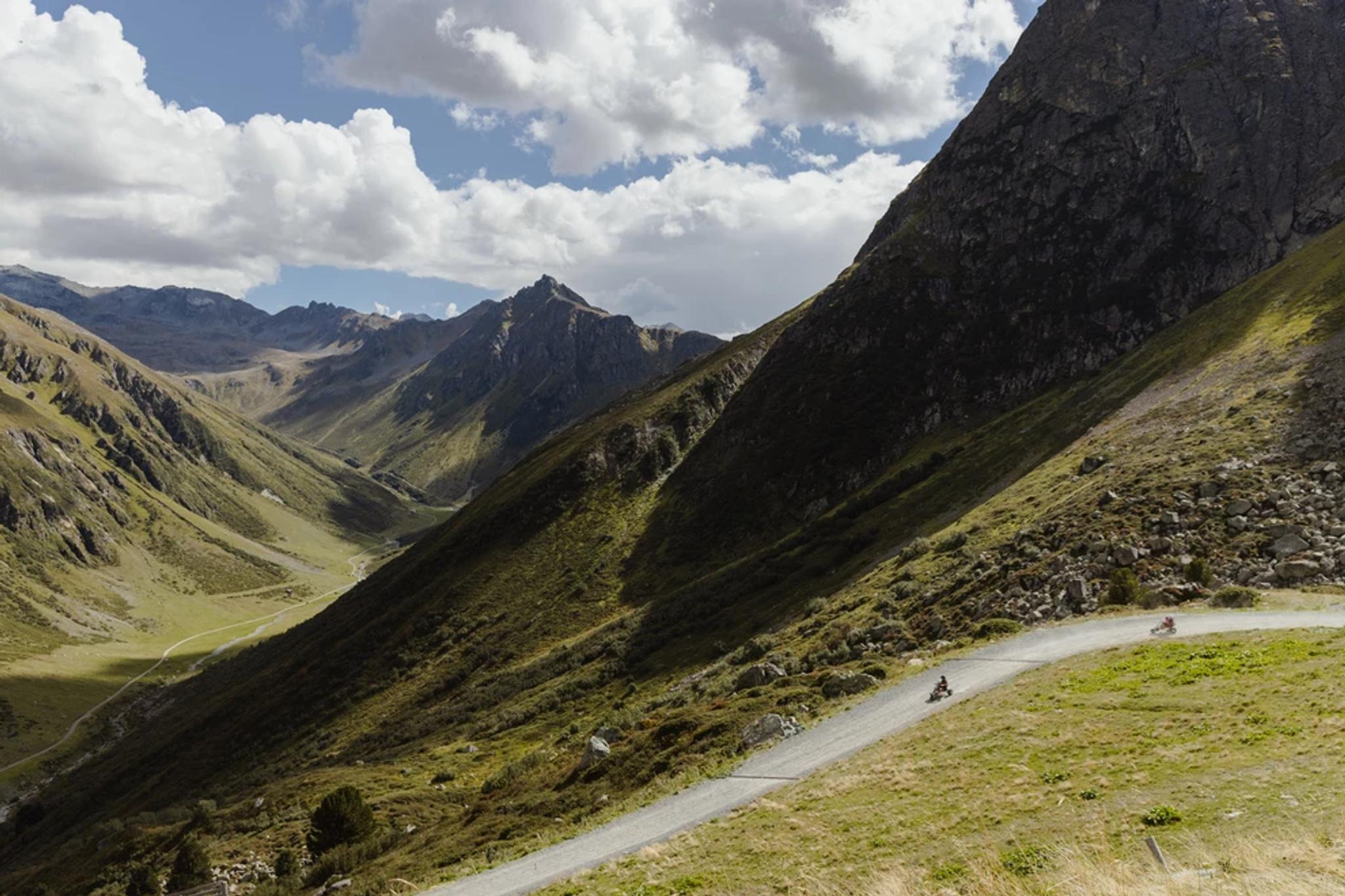
Grid Section
Hero Section large full screen with fade / Text: center / Actions: Shortcut vertical left
iFrame Hero Section
Large / Split Screen / Text: left
An example of a hero section with iFrame and split screen.